How to check a used laptop before you pay for it
A single message to the seller, then a twenty-minute inspection. What to ask, what to photograph, and the three findings that should end the transaction.
Almost every bad used-laptop purchase is avoidable with information the seller already has and will provide if asked in one message. The trick is asking for all of it at once, in a form that is hard to fake and easy to supply.
The one message to send
Ask for four screenshots and one photograph. Screenshots of: the system information panel showing the exact model identifier and processor; the memory view showing installed modules and slots used; the storage view showing drive model and capacity; and the battery report showing design capacity, full charge capacity and cycle count. A photograph of the machine powered on, displaying a plain white full-screen image, taken straight on in a lit room.
That set takes a cooperative seller five minutes and answers most of what matters. The white-screen photograph in particular reveals dead pixels, backlight bleed, pressure marks and screen replacements. A seller who supplies four of the five and skips the battery report has told you about the battery.
What the model identifier gets you
The exact model identifier — not the marketing name, the full string with its suffix — lets you look up the machine's real specification and its service manual before you travel. That tells you whether the memory is socketed, how many storage slots there are, which ports the chassis shipped with, and what the original panel was. Everything in finding the exact configuration applies here, and it is the step most buyers skip.
The twenty-minute inspection
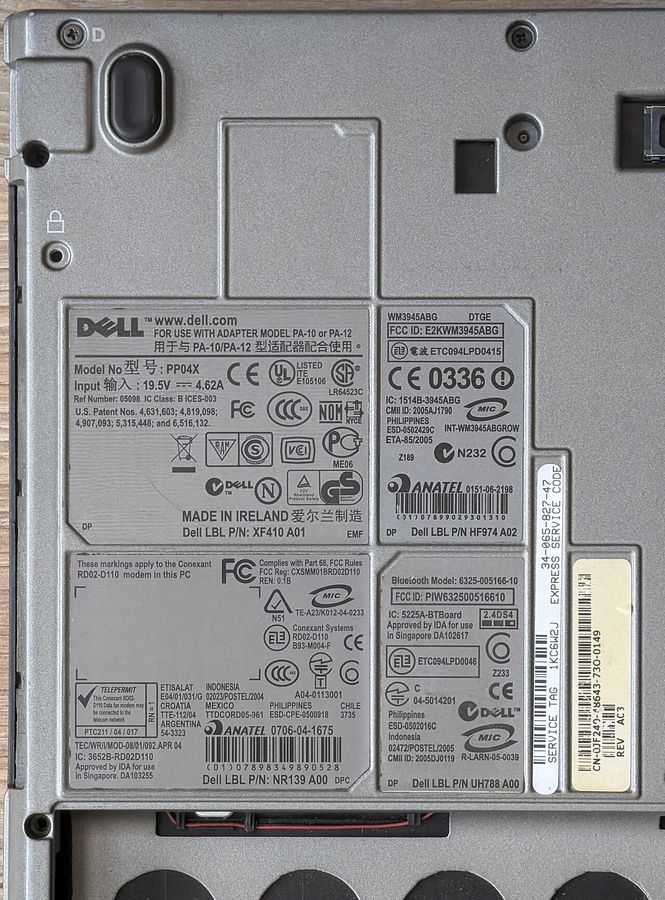
- Serial and age. Read the serial from the underside and check the manufacture date through the manufacturer's own warranty lookup. This is the one number a seller cannot adjust. The procedure is in reading a laptop's real age.
- Screen. Full white, full black, and a mid-grey, full screen, in a lit room and then with the lights off. Look for dead pixels, uneven backlight, pressure marks and any tint difference between edges and centre.
- Keyboard. Open a text editor and press every key, including the function row and the number pad. Feel for keys that need more force than their neighbours — that is wear, and it predicts failure.
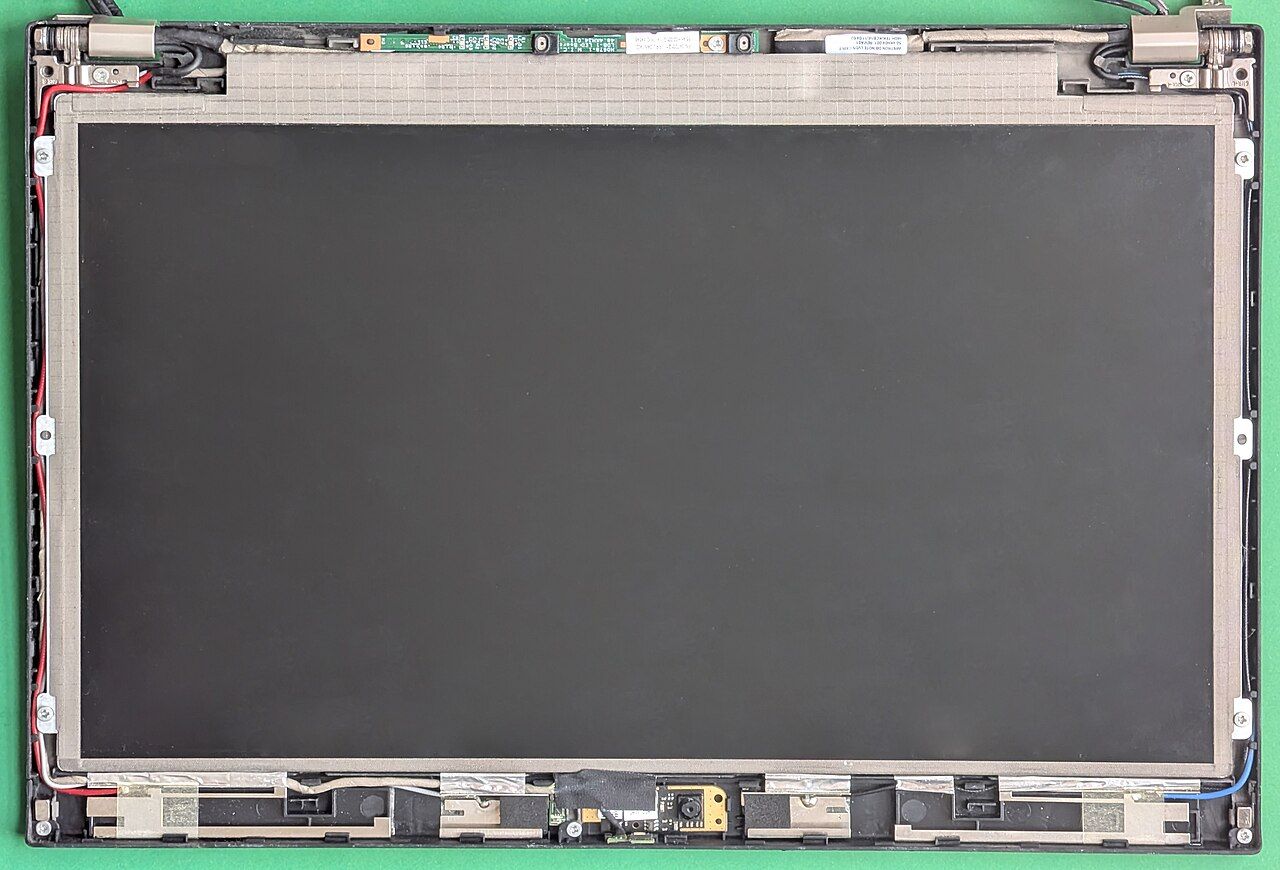
- Hinges and chassis. Open and close slowly. Listen for grinding, watch for the palm rest lifting or the display bezel separating. Hinge damage is the most expensive common laptop repair relative to the value of a used machine.
- Ports. Test each one with something. A port that does not work is a board repair.
- Storage health. The drive's own health reporting gives written life and reallocated sectors. Any utility that reads drive health shows it in under a minute.
- Battery. Compare full charge capacity to design capacity from the report, and confirm the machine runs unplugged for ten minutes without shutting down.
- Sustained load. Run something demanding for ten minutes and listen. The patterns in seeing thermal throttling apply, and on a used machine an early sawtooth usually means a dust-packed fin stack, which is cheap to fix and worth negotiating over.
Three findings that should end it
- A locked firmware password, or a machine registered to an organisation. Corporate asset locks cannot be cleared by you, and a machine that asks for a password you do not have before it will boot is scrap.
- Liquid damage indicators tripped, or corrosion visible through a vent. Liquid damage is progressive and the fault appears months later.
- A serial that does not match the sticker, or no serial at all. Walk away and do not negotiate.
What is negotiable
A tired battery, a dusty cooler, a worn keyboard and a drive with substantial written life are all real costs with known prices, and all four are fair grounds to reduce an offer rather than abandon it. Price them from replacement part cost before you go, so the negotiation is arithmetic rather than haggling. Most of those part numbers are in the service manual you already downloaded.
Paying
Use a payment method with a dispute process. The cost of that protection is a rounding error against the value of the machine, and the situations where you need it are precisely the ones where the seller was persuasive.