How to find a laptop's real age from its serial number
The seller's word, the operating system install date and the box are all unreliable. The manufacturer's warranty lookup is not.
The age of a used laptop decides what it is worth, how much life is left in its battery and its fans, and whether parts are still available for it. Almost every source of that age can be adjusted by a seller — except one, and it is free to check from your phone while you are standing in front of the machine.
The reliable source
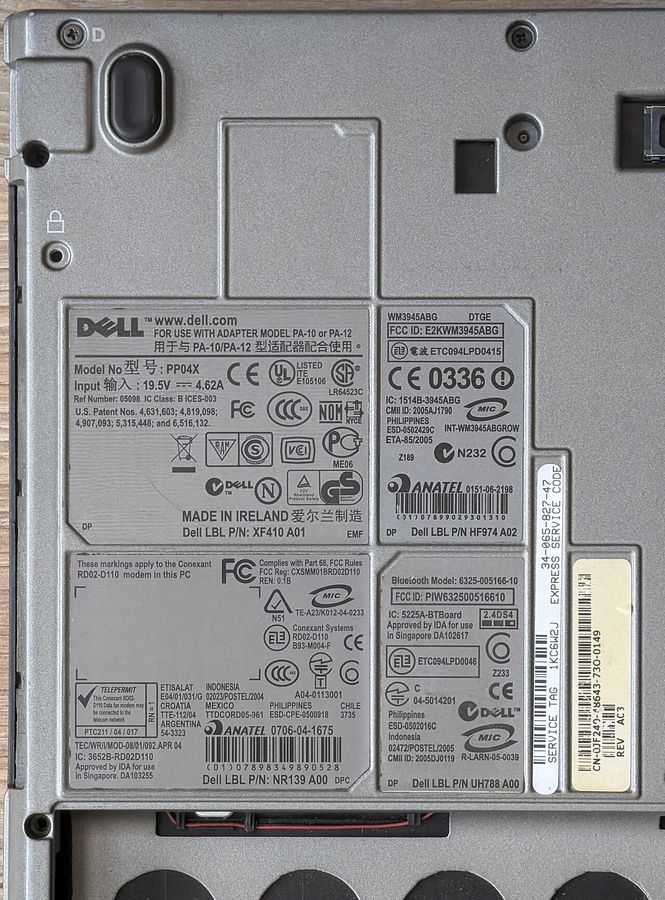
Every major manufacturer runs a warranty or support lookup that takes the serial number, service tag or product number from the underside of the machine and returns, at minimum, the warranty start date. The warranty start is the date of sale or the date of manufacture depending on the maker, and either is within months of the real age. Many of the same lookups also return the ship date and the original configuration.
The serial is printed on the label on the base, and it is also stored in firmware, so you can read it from the system information panel without turning the machine over. Check that the two match. A mismatch between the firmware serial and the label means the base panel has been swapped, the board has been swapped, or the label is not the machine's own — all three are things you want to know.
What does not tell you the age
- The operating system install date. Reinstalling resets it. This is the number sellers quote most often.
- The file dates on the drive. The drive may not be the original one, and on a used machine it frequently is not.
- The box. Boxes outlive machines and are sold separately.
- The model's launch year. Models stay in production, and in channel stock, for years after launch. A machine from a 2022 model line can be a 2024 build, which is good news and still not the launch year.
Cross-checks that cost nothing
Two components carry their own manufacture dates and are rarely replaced together with everything else:
- The battery. Its controller reports a manufacture date to the operating system on most platforms, and the cell label carries a date code. A battery substantially newer than the machine is a replacement, which is a point in the machine's favour if disclosed and a question if not.
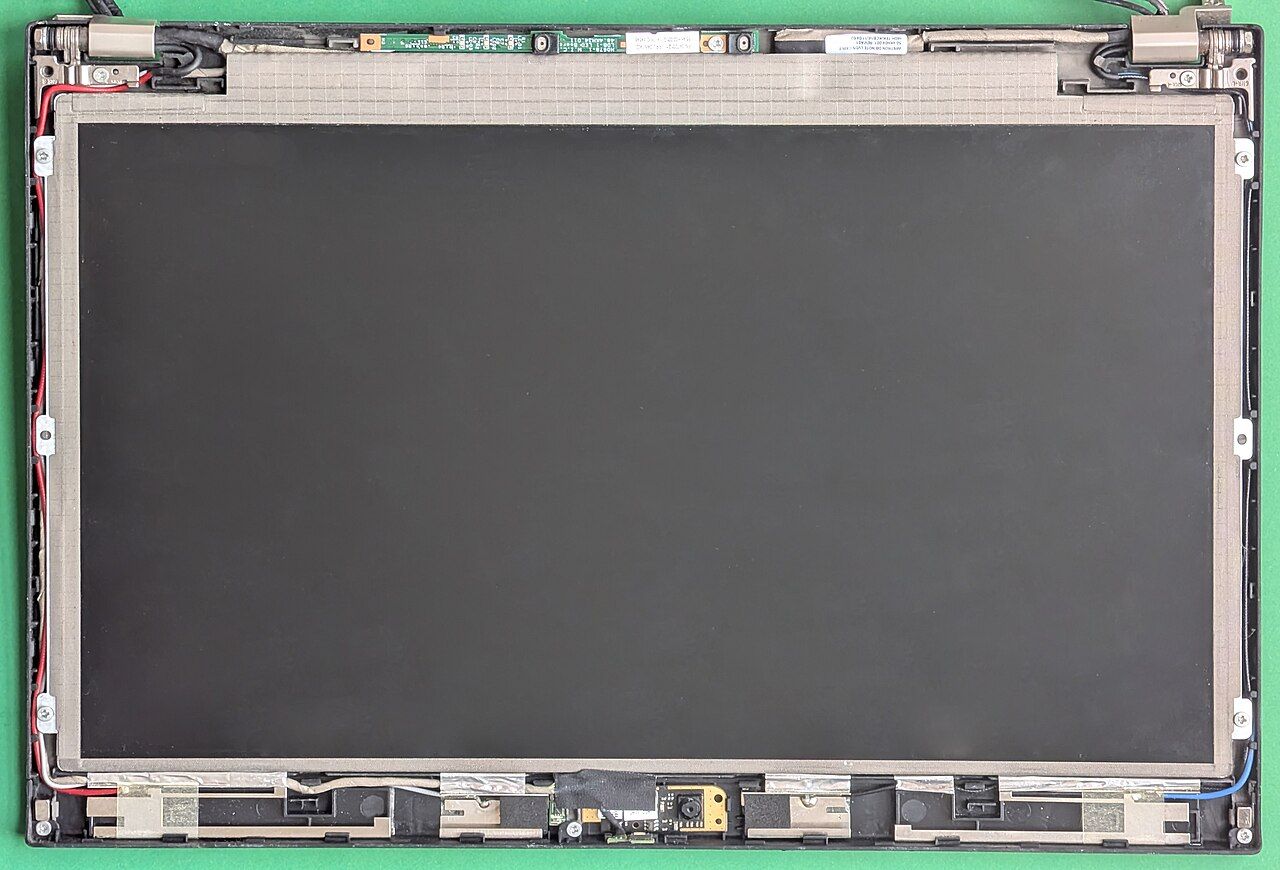
- The panel. Panel identifiers encode a production week and year. A panel much newer than the chassis means a screen replacement. See the panel lottery for how to read the identifier.
Neither is a red flag on its own. Together with a serial lookup they give you a consistent picture, and inconsistency is the signal.
Why the age matters beyond price
Three practical consequences. Battery capacity declines with time as well as with cycles, so a lightly used old machine still has an old battery. Manufacturer driver and firmware support has an end date, and a machine past it will stop receiving firmware fixes — check the support page for the model before buying, not after. And spare parts availability follows the same curve: the service parts catalogue for a retired model thins out, and the hinge or the keyboard you will eventually need may only exist second-hand.
Record it
Write the serial, the warranty start date and the full model string down at the point of purchase, together with the panel identifier and the battery's design capacity. That set of five facts is what you will need for every future support enquiry, every parts order and every eventual resale, and none of it is convenient to recover later from a machine that has stopped booting.