The panel lottery: how to find out which screen your laptop got
One model, several panel suppliers, one marketing description. The panel identifies itself — here is how to read it and what to do with the answer.
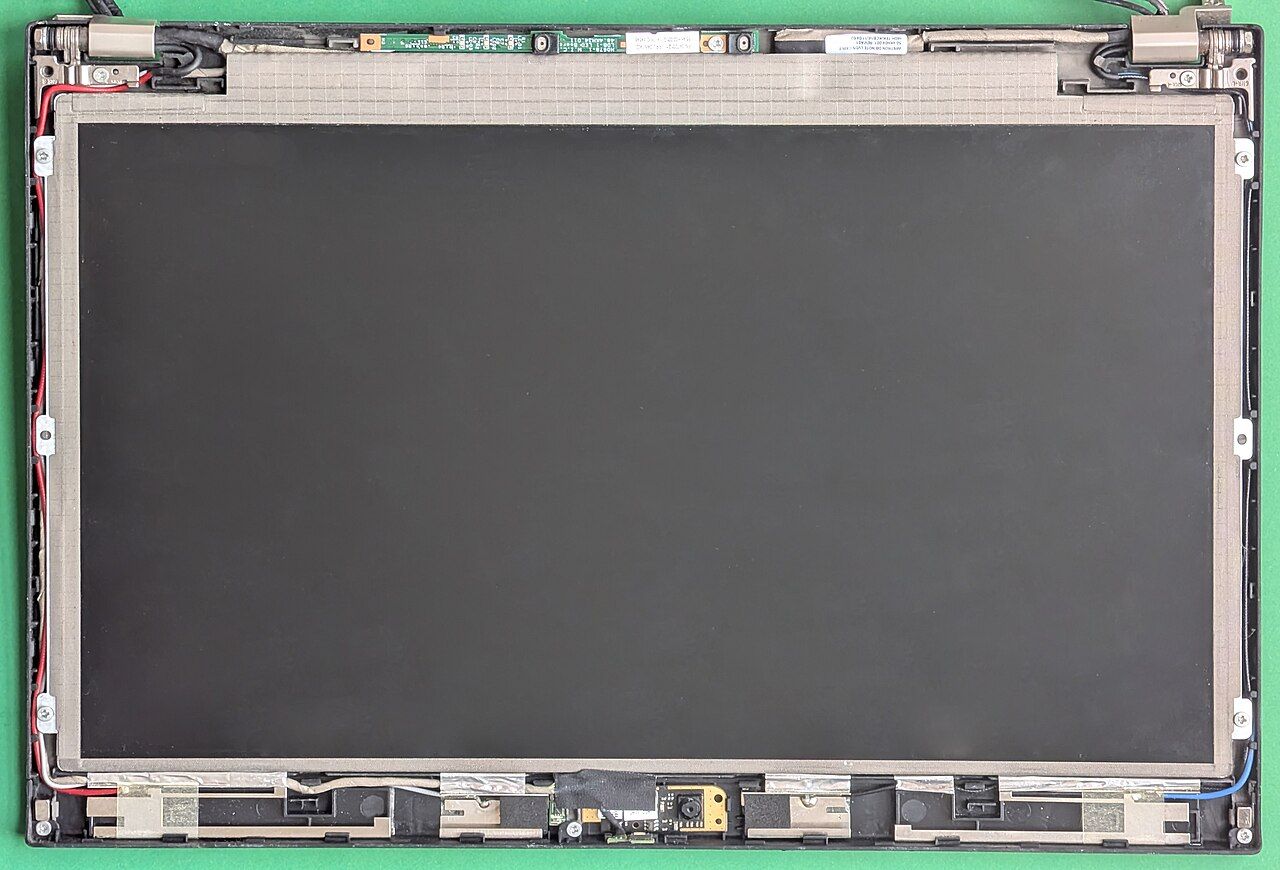
Laptop makers qualify more than one panel supplier for a model and ship whichever is available. The specification says the same thing for all of them: the size, the resolution, the finish, a typical brightness. The panels themselves differ in brightness, colour coverage, response time, and whether the backlight flickers. Which one is in your machine is not in the listing. It is in the machine.
Reading the panel identifier
Every laptop panel reports an identifier over the internal display connection: a manufacturer code and a model string. Any hardware information utility that reads display data will show it, and on Linux the monitor data is exposed directly by the graphics driver. The string looks like a short manufacturer prefix followed by several alphanumeric characters.
Take that string to one of the panel databases maintained by display enthusiasts and repair suppliers. They list the panel's measured characteristics: native resolution and refresh, brightness, colour gamut coverage, response time, and frequently whether the backlight is dimmed by switching rather than by current — the figure discussed in display specifications that manufacturers do not publish.
What the answer is good for
- Deciding whether to exchange a new machine. If two panels are qualified for a model and one is materially better, and you are inside a return window, this is the moment to act. Outside the window it is an academic exercise.
- Calibration. Knowing the actual gamut tells you whether a colour profile for the model applies to your unit.
- Replacement. If a panel needs replacing, the identifier plus the laptop's service manual gives you the compatible part numbers — and sometimes the option of fitting a better qualified panel than the one you have, if the connector, backlight and mounting match. Verify all three from the service documentation, not from a marketplace listing.
- Diagnosing flicker sensitivity. If you get headaches from a machine and not from others, this is where the explanation usually is.
What it is not good for
Complaining to the manufacturer. Shipping any of the qualified panels meets the published specification, because the published specification is written to cover all of them. This is not a defect and a warranty claim will not succeed. The remedy, if you want one, is a return within the return period.
Checking before purchase
Two partial routes. Review sites publish the panel identifier for the unit they tested, which tells you what was shipping at that time in that region — a probability, not a guarantee. And a shop display unit can be interrogated in thirty seconds with a portable utility on a memory stick, if the shop allows it.
Neither is certain. What is certain is that the check takes a minute once the machine is yours, and doing it on day one rather than in month four is the difference between a return and a regret.
The wider point
Panels are not the only component that varies within a model. Wireless cards, storage drives and occasionally batteries are qualified from multiple suppliers too, and none of that variation appears in the marketing specification. The procedure is the same in each case: ask the machine, not the listing. The full inventory to read on day one is in finding the exact configuration.