Accessories and peripherals
Docks, bags, drives and input devices — with the compatibility figures that decide whether they work with your laptop.
105 pages in this sectionAccessories fail on compatibility, not on quality. A dock that advertises two 4K displays drives one of them at half the refresh rate on your machine; a bag sold as a fifteen-inch bag does not close over a fifteen-inch laptop. In both cases the number that predicted it was printed on both products.
Everything in accessories
- Accessories & PeripheralsEverything filed under Accessories & Peripherals, newest first.100 pages
- Laptop Bags & CasesEverything filed under Laptop Bags & Cases, newest first.1 pages
- Why a 15.6-inch bag does not fit every 15.6-inch laptopThe screen diagonal is not the chassis size, and bag makers quote the diagonal. Three measurements settle it in a minute.
- Docking station limits: power, displays and shared bandwidthA dock does not add capability to a laptop. It divides the capability the laptop's port already has, and the divisions are where docks disappoint.
- Thunderbolt, USB4 and DisplayPort Alt Mode comparedThree names for things that share a connector and overlap heavily. What separates them is what is guaranteed, not what is possible.
- The icons next to a laptop's USB-C ports, decodedIdentical sockets, different abilities. The little symbol beside each one is the only thing on the chassis that tells you which is which.
Compatibility first: each piece starts from the figure on the laptop side of the pairing.
Latest in Accessories
Before you buy | Why a 15.6-inch bag does not fit every 15.6-inch laptop
The screen diagonal is not the chassis size, and bag makers quote the diagonal. Three measurements settle it in a minute.
Before you buy
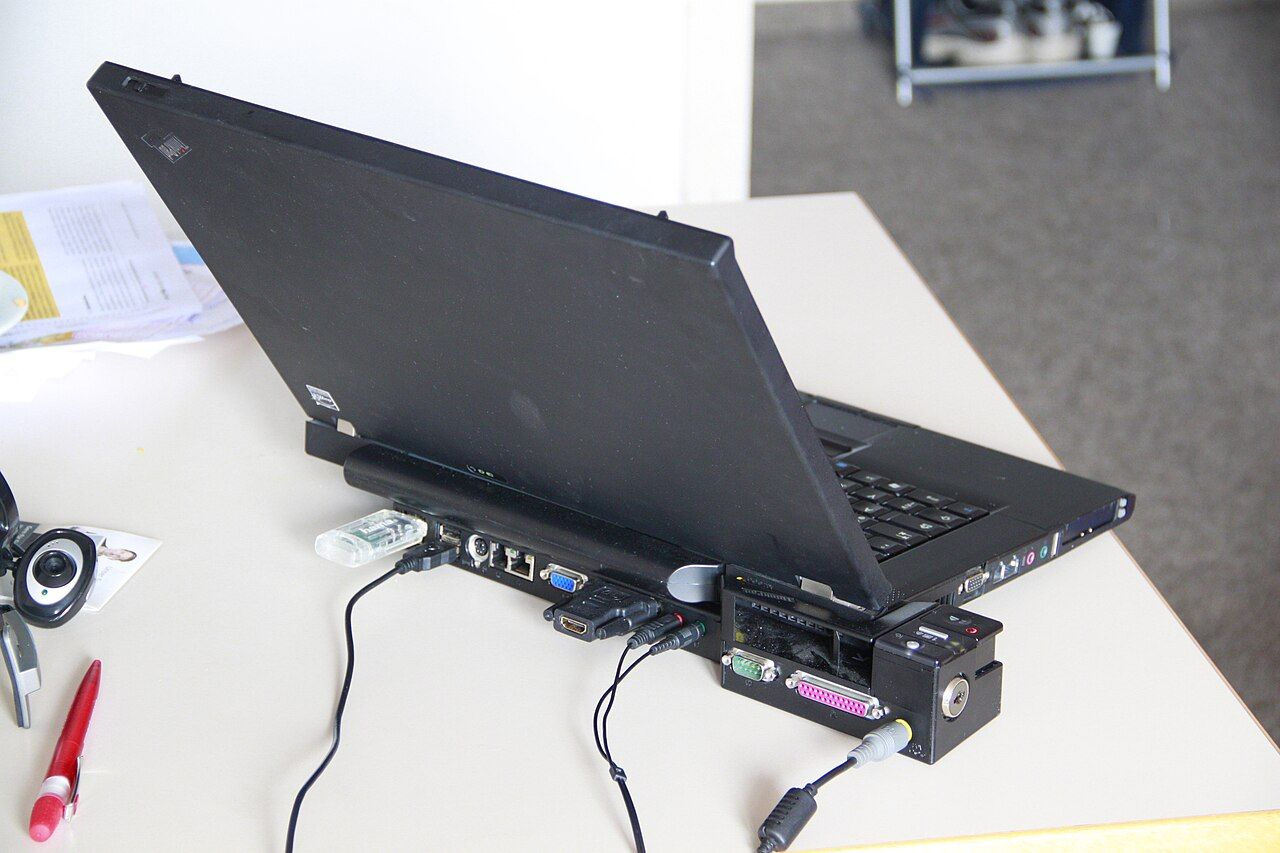
Mechanism | Docking station limits: power, displays and shared bandwidth
A dock does not add capability to a laptop. It divides the capability the laptop's port already has, and the divisions are where docks disappoint.
Mechanism
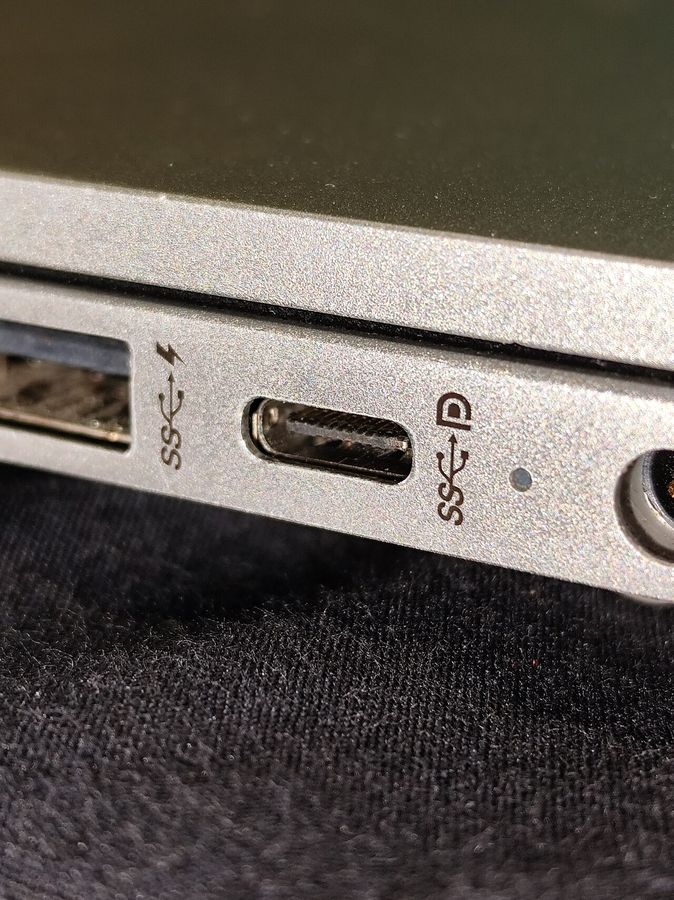
Comparison | Thunderbolt, USB4 and DisplayPort Alt Mode compared
Three names for things that share a connector and overlap heavily. What separates them is what is guaranteed, not what is possible.
Comparison
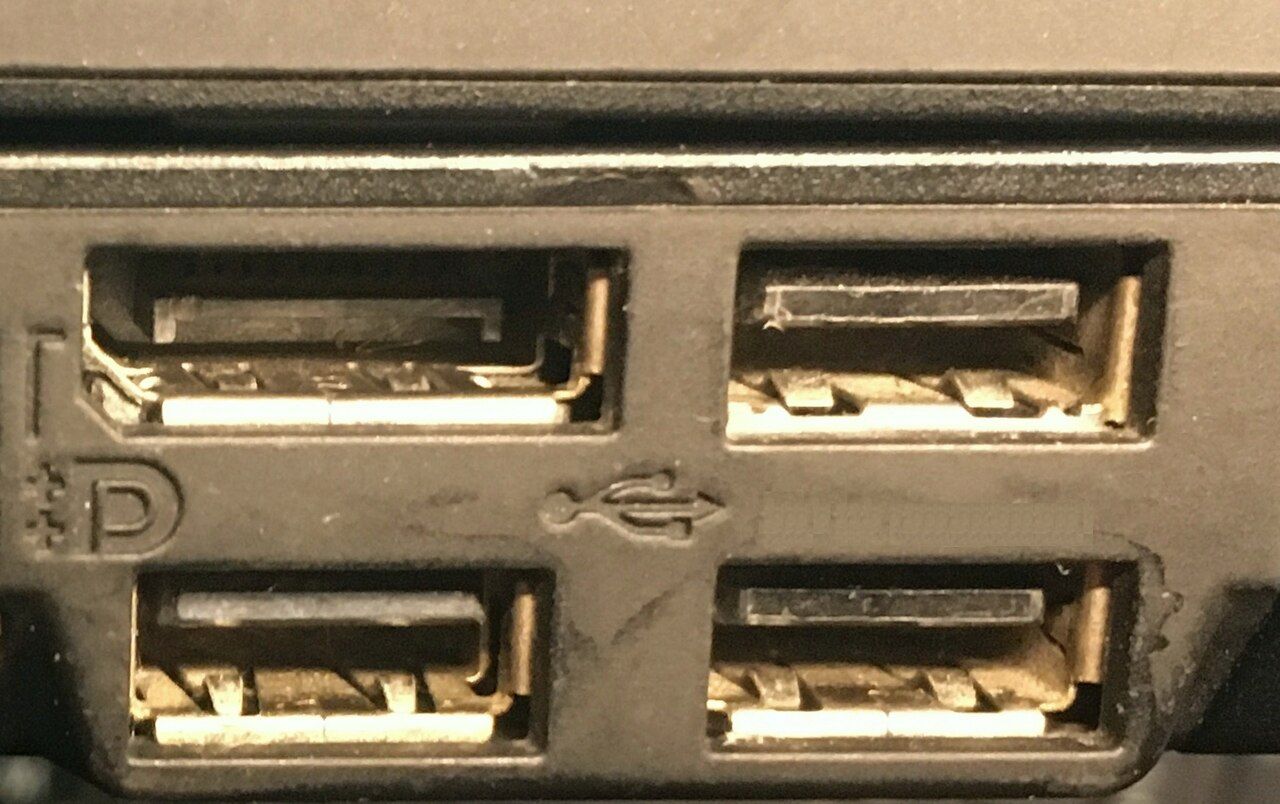
Spec sheet | The icons next to a laptop's USB-C ports, decoded
Identical sockets, different abilities. The little symbol beside each one is the only thing on the chassis that tells you which is which.
Spec sheet
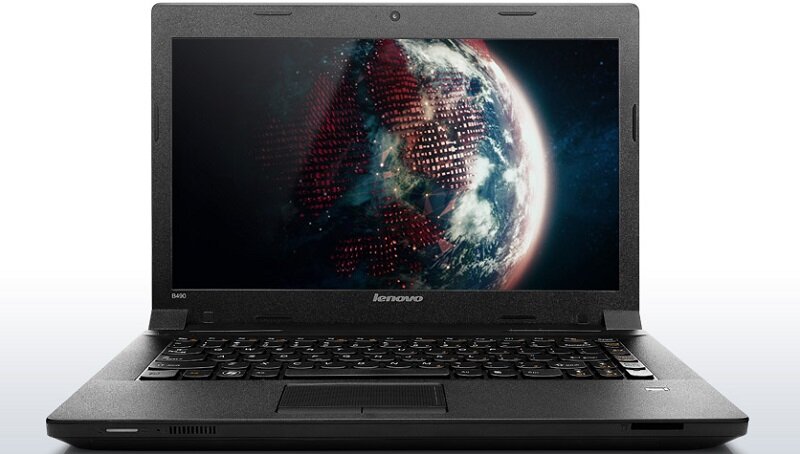
Lenovo IdeaPad B490-59356401 14-inch laptop
The LENOVO IdeaPad B490-59356401 laptop has feature a 2.40GHz Intel Pentium B980 processor, 4GB of RAM, a 500GB hard drive, an Intel HD Graphics 4000 graphics card, 14-inch LED Anti Glare…
Accessories
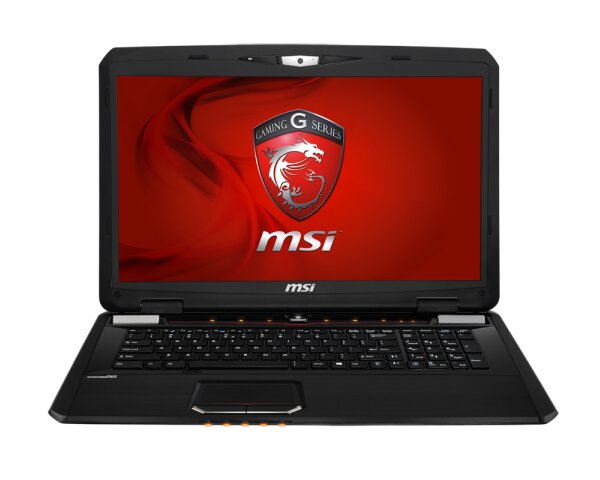
MSI GX70 3BE Gaming Laptop with A10 AMD APUs and Neptune 8970M Graphics
MSI has announced new gaming laptop, the MSI GX70 3BE New laptop is brings AMD’s newest high-end HD 8970M discrete graphics card with amazing visuals that increase game realism. The MSI…
Accessories
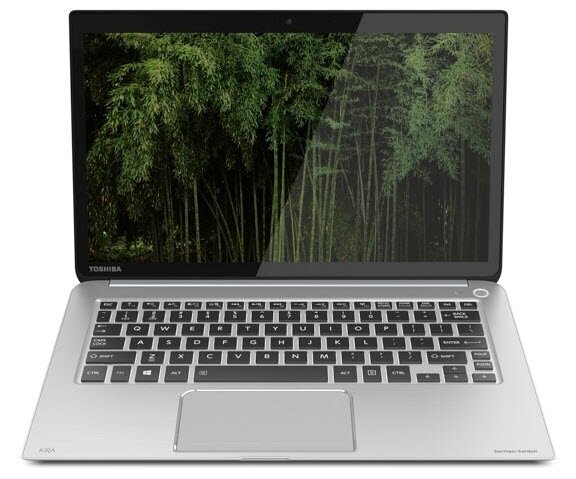
Toshiba KIRAbook 13-inch ultrabook with 2560 x 1440 high-resolution display
Toshiba has Introduced 13-inch ultrabook with PixelPure Ultra-High Resolution Display ((a resolution of 2560 x 1440 pixels and pixel density of 221ppi), called the Toshiba KIRAbook. It…
Accessories

Targus USB 3.0 SuperSpeed Dual Video Docking Station
Targus has recently released the first docking station with USB 3.0 technology. The Targus USB 3.0 SuperSpeed Dual Video Docking Station allows you to connect all of your peripherals while…
Accessories
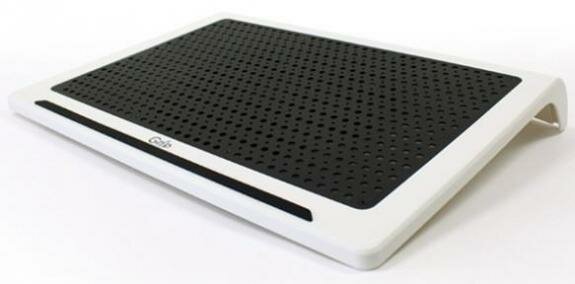
HanJung Grip 100 S and Grip 110 U2 laptop cooler
HanJung has unveils two new laptop coolers in Europe, namely the Grip 100 S and Grip 110 U2 . The laptop cooler is designed for laptops with sized up to 17-inch. The HanJung Grip 100 S has…
Accessories
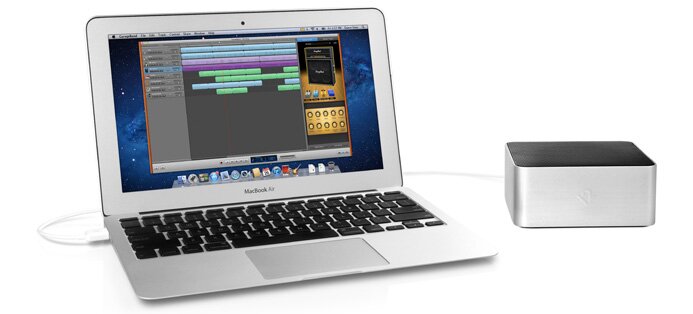
Twelve South BassJump 2 USB subwoofer for MacBook
Twelve South has official announced its new USB-powered subwoofer that turns MacBook Pro or MacBook Air, called the BassJump 2. The new BassJump 2 includes remastered software that delivers…
Accessories
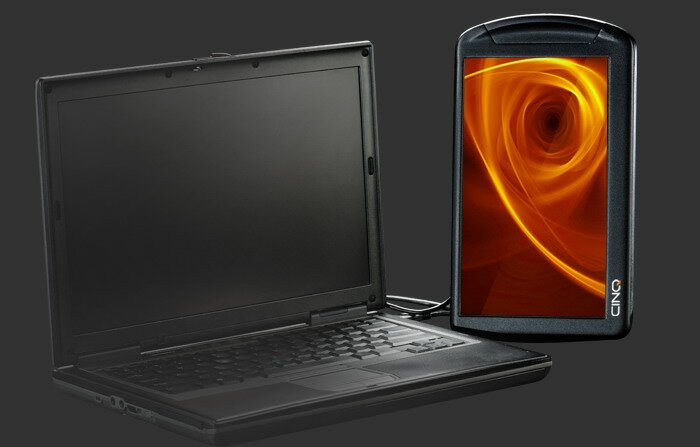
Cinq second laptop monitor
CINQ is an ultra-lightweight portable monitor that gives you more room to work and improves your productivity instantly. The CINQ has features a 10.1-inch display with resolution of 720p HD…
Accessories
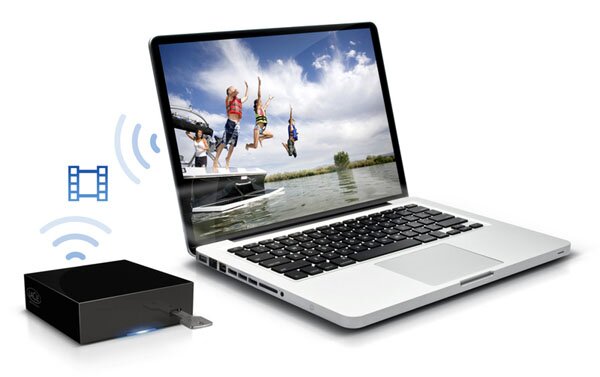
LaCie LaPlug share USB disks on wirelessly
The LaCie LaPlug lets you share USB disks or printers on your network. Simply connect the LaPlug to your network, then connect the hard drive, flash drive or solid state drive to the…
Accessories
The pairing rule
Every accessory question is a pairing question, and the limiting side is almost always the laptop. The dock cannot deliver more display bandwidth than the port it plugs into carries. The charger cannot deliver more power than the laptop is willing to negotiate. The drive cannot go faster than the lanes behind the socket. Reading the laptop's specification first turns most accessory decisions into arithmetic.