How to see thermal throttling on a laptop in ten minutes
No benchmark suite required. A sustained load, a hardware monitor and one chart tell you what a machine actually holds.
Every laptop throttles. The question is never whether, it is how far and how fast, and that is the difference between a machine that is quick in a shop and one that is quick on the third hour of work. You can find out in about ten minutes with free tools and no benchmark licence.
What you need
- A hardware monitor that logs processor package power, processor clock speed, package temperature, and — if the machine has one — graphics chip power and temperature. Several free ones exist for each platform; the built-in tools on Linux expose all of these through standard interfaces.
- A sustained load. Any tool that keeps all cores busy indefinitely will do; a long video encode of a file you already have works and is more representative of real work than a synthetic loop.
- A flat, hard surface. Testing on a bed or a lap produces a real measurement of a real situation, but not the one you want for comparison.
The procedure
- Set the machine's power profile to the mode you intend to actually use. Plugged in, on the performance profile, if that is how you will use it.
- Let it idle for two minutes with the monitor logging. Write down the idle package temperature — this is your baseline and it tells you about ambient conditions.
- Start the load. Log continuously for ten minutes.
- Stop, and look at three lines: package power, clock speed, temperature.
Reading the chart
A healthy machine shows a short spike in power and clocks at the start — the boost window — then a settle to a plateau, with temperature rising to a stable value below the chip's limit. The plateau is the honest performance of that machine. Compare plateaus, not peaks.
Three patterns are worth recognising:
- Clean plateau. Power settles, temperature settles below the limit, clocks stay flat. The machine is power-limited by design, not thermally limited. This is the good outcome.
- Sawtooth. Temperature reaches the limit, clocks drop sharply, temperature falls, clocks rise, repeat. The cooling cannot hold the configured power. Performance is the average of the sawtooth, which is lower than either extreme suggests, and the fan noise cycles audibly.
- Slow decay. Power and clocks drift steadily downward over several minutes without ever stabilising. Usually heat accumulating in the chassis rather than the chip — common in thin machines with small heat capacity. The relevant number is the value at ten minutes, not at two.
The number to write down
Sustained package power in watts at the ten-minute mark. That single figure, more than any benchmark score, predicts how the machine behaves in long work, and it is directly comparable between machines because it is measured in physical units rather than in points. Record it alongside the room temperature.
What to do about a bad result
- Check the power profile first. Manufacturers ship machines in conservative modes and the difference between modes is often larger than any physical fix.
- Check the adapter. An under-specified adapter produces exactly the slow-decay pattern under combined load. See graphics power budgets.
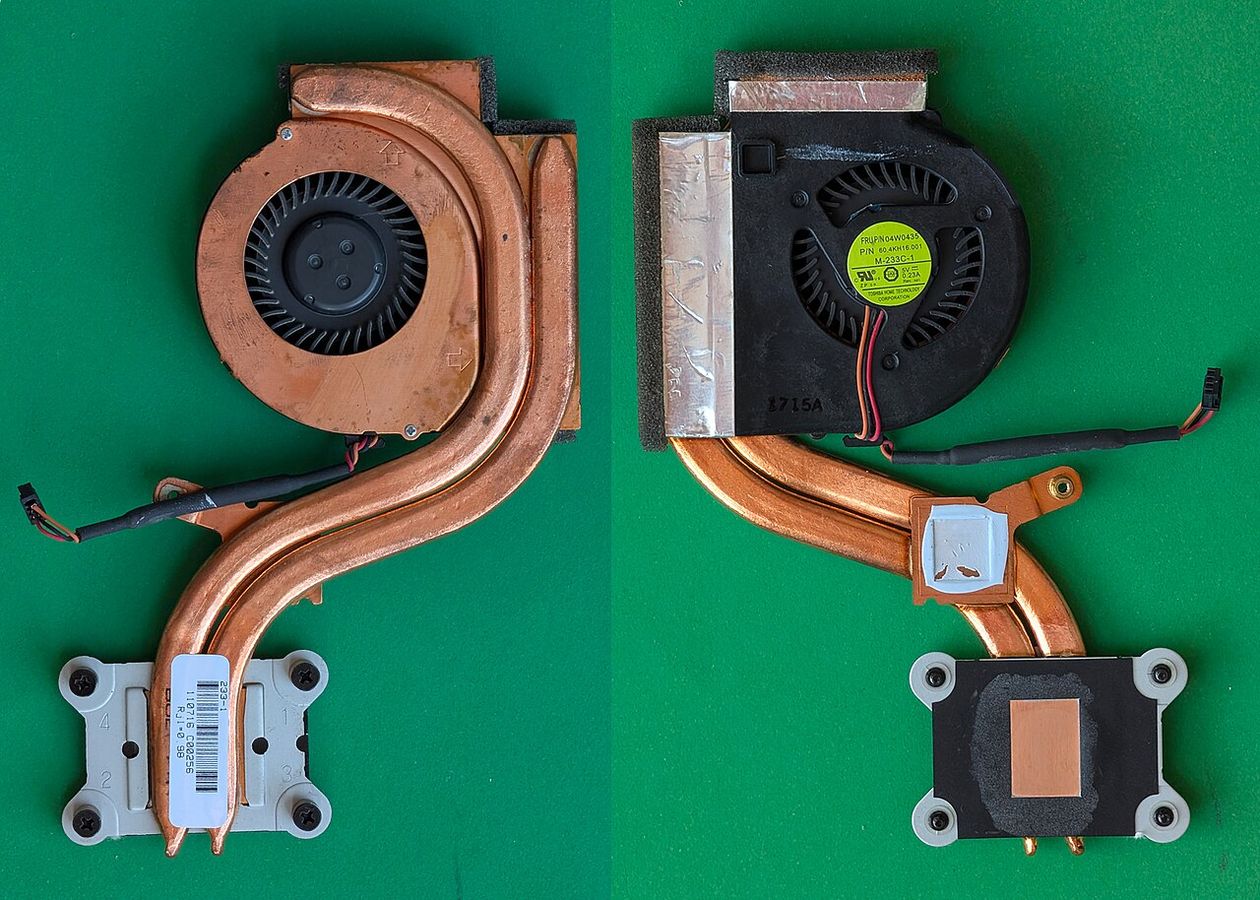
- Check the intakes. On a machine more than a year or two old, dust in the fin stack is the most common cause of a result that got worse over time, and clearing it is reversible and free.
- Raise the back. Most laptops draw air from underneath. A centimetre of clearance is worth a surprising amount on machines with bottom intakes and is the cheapest available fix.
What not to do first is open the machine and replace the thermal compound. On a machine still under warranty that trades a known-good result for a warranty claim, and on most machines under three years old the compound is not the limiting factor — the fin area and the configured power are.
Testing before you buy
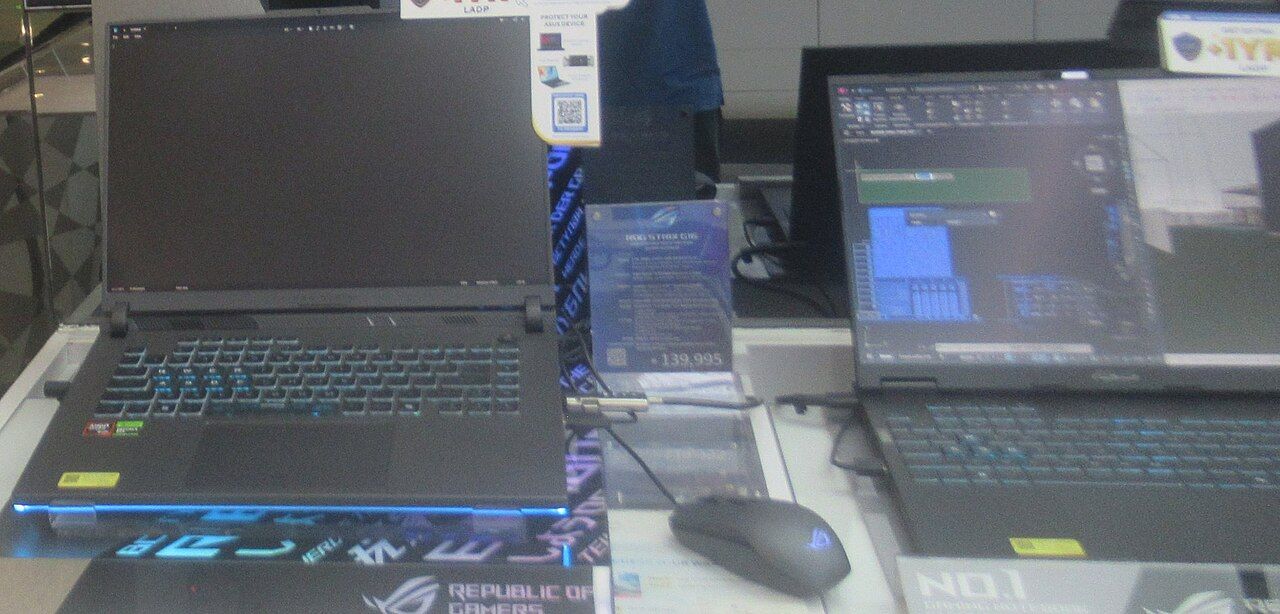
If you can put hands on the machine in a shop, five minutes of a sustained load with a phone stopwatch and the fan noise as your instrument tells you more than the specification sheet: a machine that goes loud within one minute and stays there is a machine running at its thermal limit. It is a crude measurement, and it is still better than none.