Keyboard layout codes on laptop listings, explained
The two-letter code at the end of a laptop's part number decides the shape of your return key and where the at sign lives. It is not changeable.
Buying a laptop from another country is frequently the cheapest way to get a particular configuration, and the keyboard is the part of that decision people discover afterwards. The layout is a physical property of the machine — the keycaps are printed and the key shapes are moulded — and it is encoded in the part number.
Physical layout: the two families
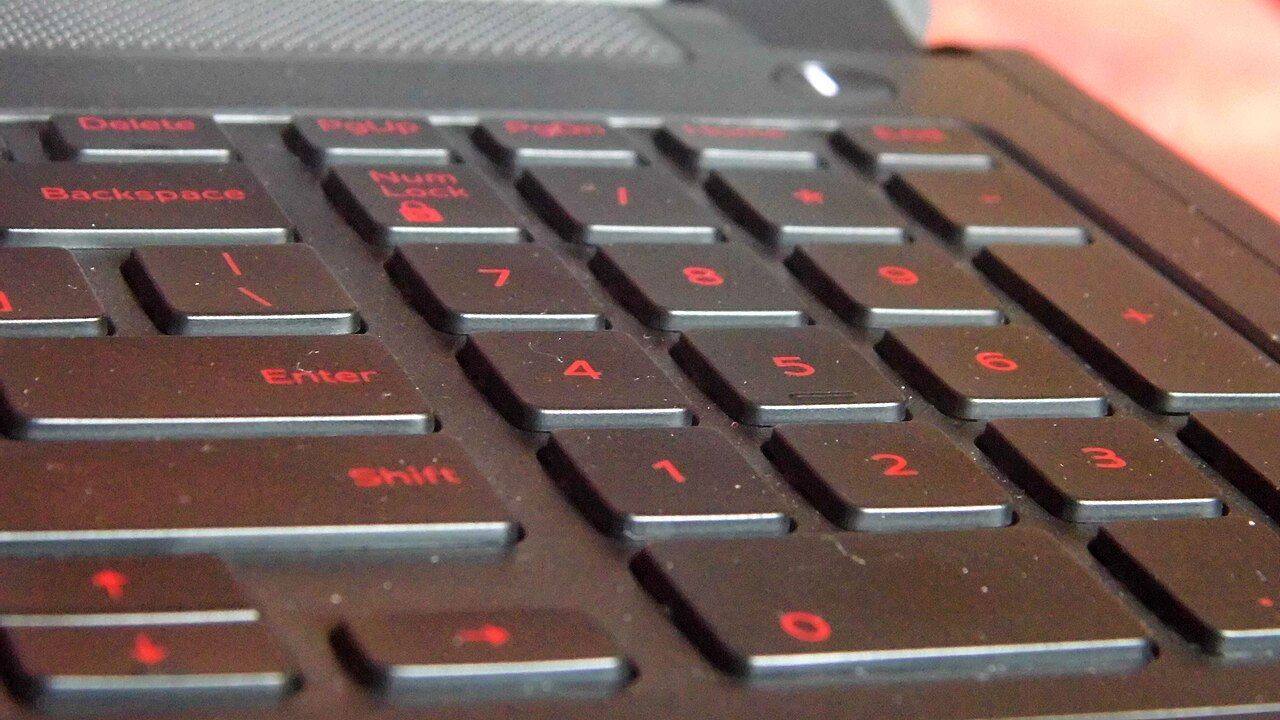
Laptop keyboards come in two physical shapes. One has a wide, flat return key and one fewer key in the main block. The other has a tall return key shaped like a reversed L, an extra key beside the left shift, and an extra key next to the return. The second shape is standard across most of Europe; the first is standard in North America and in much of Asia.
This is the difference that cannot be fixed in software. You can remap what every key produces, and many people do. You cannot change how many keys there are or what shape they are, and if you touch-type, the shift key that is half-width and the return key that is somewhere else are a daily cost.
The code in the part number
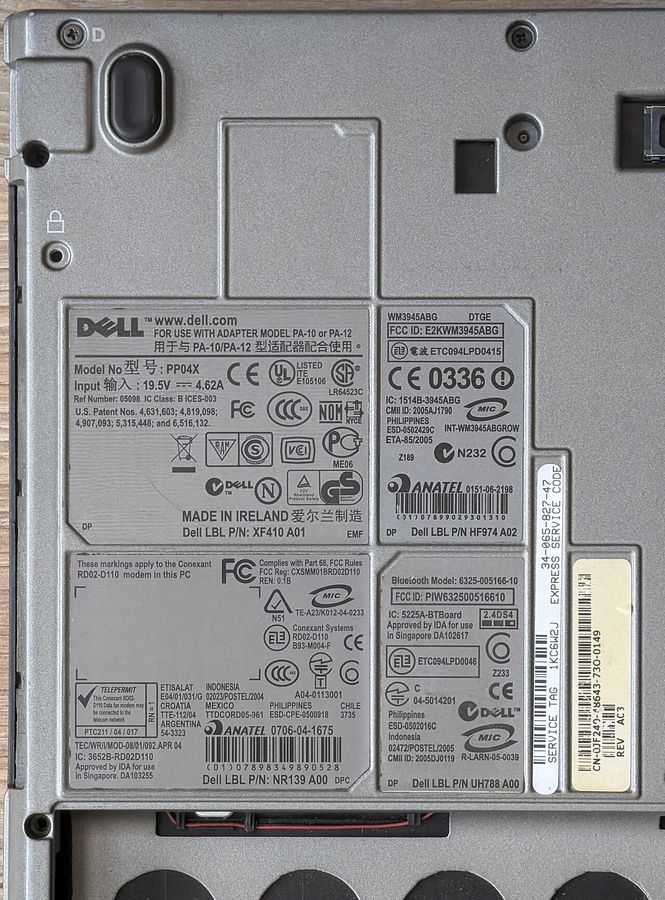
Manufacturers append a country or language code to the model or part number: a two-letter code following the common country-code convention in most cases, occasionally a manufacturer-specific string. The same code appears in the service parts catalogue against the keyboard assembly, which is the authoritative place to check: look up the machine's parts list and read which keyboard part number is fitted.
Two codes deserve special attention. An international or multilingual code usually means the European physical shape with a particular language's markings, not a universal keyboard. And a code naming a region rather than a country — common for machines sold across several markets — means the layout is that region's dominant one, which may not be yours.
Things the code also decides
- Backlight. On some models the backlit and non-backlit keyboards are different part numbers with different country codes available, so a given layout may only exist in one of the two.
- The function row behaviour is a firmware setting, not a layout one, and is changeable.
- The power button position is part of the keyboard assembly on many machines, so it moves with the layout.
- Nothing about the operating system language, which is entirely independent and freely changeable.
Can it be changed later?
Physically, yes, and it is a real repair rather than a trick: the keyboard is a service part with its own part number, and on machines where it is accessible from the base it is a moderate job. On machines where the keyboard is riveted into the top case — increasingly common — the part you replace is the entire top case including the trackpad and often the battery mount, which is expensive enough to change the economics of the original purchase.
Check which of the two your candidate machine is before buying across a border. The answer is in the service manual, in the keyboard removal procedure: a procedure that starts by removing the base panel is the cheap case, and one that starts by removing the display and the board is the expensive one.
The software half
Remapping is a reasonable compromise for a machine that is otherwise right. Every operating system lets you select a keyboard layout independent of the printed keys, and touch-typists frequently run a layout that does not match the legends. What remapping cannot do is produce a key that is not there, so the physical family is the decision and the language markings are the detail.
Buying used across a border
Ask the seller for a straight-on photograph of the keyboard. It answers the physical family question instantly and it is not a question sellers have an incentive to dodge. Add it to the message in the used-laptop checklist, which is already asking for photographs.