Where laptop drivers actually come from, and where not to get them
Three legitimate sources, one order to try them in, and why driver-finder utilities are the wrong answer to a real problem.
Missing drivers are the most common reason a freshly reinstalled laptop behaves badly — no wireless, a trackpad with no gestures, a fan that never slows down. The problem is real and what a web search turns up for it is almost uniformly hostile. There are exactly three legitimate sources, and they have a natural order.
1. The laptop manufacturer's support page for your exact model
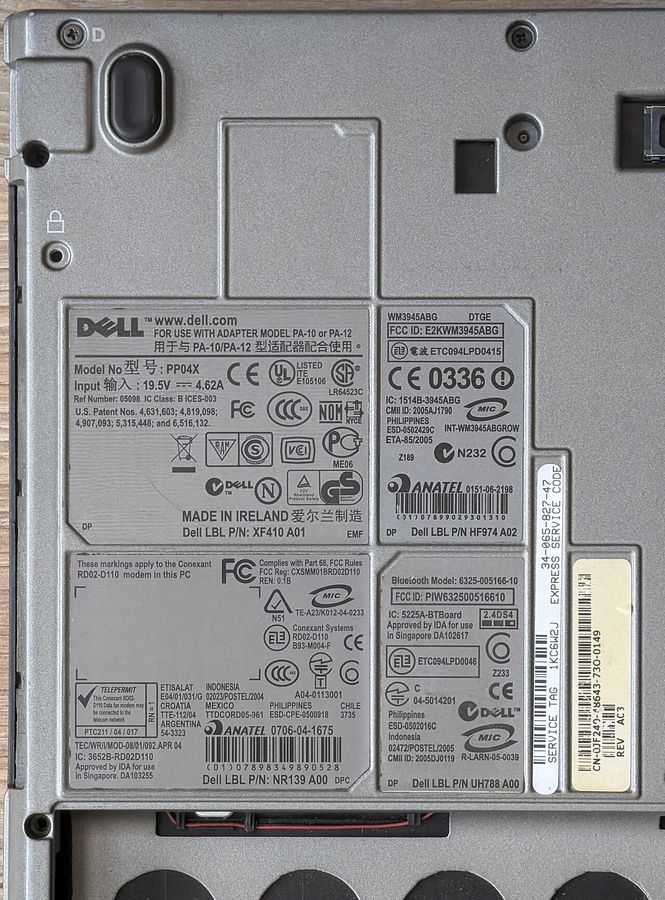
This is the first place and usually the last. Enter the full model string or the serial number — see finding the exact configuration — and the manufacturer returns the driver set built and tested for that machine.
The manufacturer's package matters more than people expect for three categories: the chipset and power management package, which is what governs fan behaviour and sleep; the trackpad driver, which is what turns a mouse pointer into gestures; and the firmware or BIOS updates, which are only ever available here and should never be taken from anywhere else.
2. The component manufacturer, for graphics and occasionally wireless
Graphics drivers are the standard exception. The chip maker ships newer versions than the laptop maker qualifies, and for anything that draws, newer is usually better. Take them from the chip maker directly. The same is sometimes true of wireless drivers when a specific problem is fixed upstream.
The exception to the exception: on machines where the laptop maker has customised the graphics driver for a switchable-graphics arrangement or a display multiplexer, the generic driver can break that arrangement. If the manufacturer's page warns about this, believe it.
3. The operating system's own update channel
Modern operating systems ship a large driver catalogue and will fill in most of a machine automatically, including wireless on many models. On a reinstall, let it finish before concluding anything is missing. The catalogue is conservative — it prefers a working generic driver to an optimal specific one — so it is a good floor and a poor ceiling.
Where not to go
Driver-finder utilities and driver aggregation sites. The category has two structural problems independent of any individual product's honesty. First, they distribute repackaged binaries, which means you are trusting an intermediary with code that runs in kernel space. Second, their business model is either advertising or a subscription for something the manufacturer gives away, which shapes what they recommend. A utility that finds forty out-of-date drivers on a healthy machine is counting version strings, not diagnosing anything.
The same applies to any site offering a specific driver file for download directly. The manufacturer's own domain, or the chip maker's own domain, or nothing.
When there is no driver for your operating system
This happens with older machines and newer operating systems, and with the opposite pairing. Three approaches, in order: try the driver package for the closest supported version, which frequently installs; check whether the component has a generic class driver that covers the basic function; and look up the component's own chip rather than the laptop maker's name for it, because a wireless card or a card reader is usually a standard part with its own upstream support.
On older machines, our archive of driver resources and the model pages in the brand archive record the original components, which is what you need to identify a part whose laptop-maker page has gone.
Before you reinstall anything
Write down what is in the machine first: the wireless card, the graphics, the audio codec, the card reader and the trackpad, all readable from the system's device inventory. Recovering that list after the wireless has stopped working is substantially harder than recording it while everything still works.