Soldered memory or slots: how to tell before you buy
Whether a laptop's memory can ever be changed is decided at the factory and usually not stated in the listing. Four reliable ways to find out anyway.
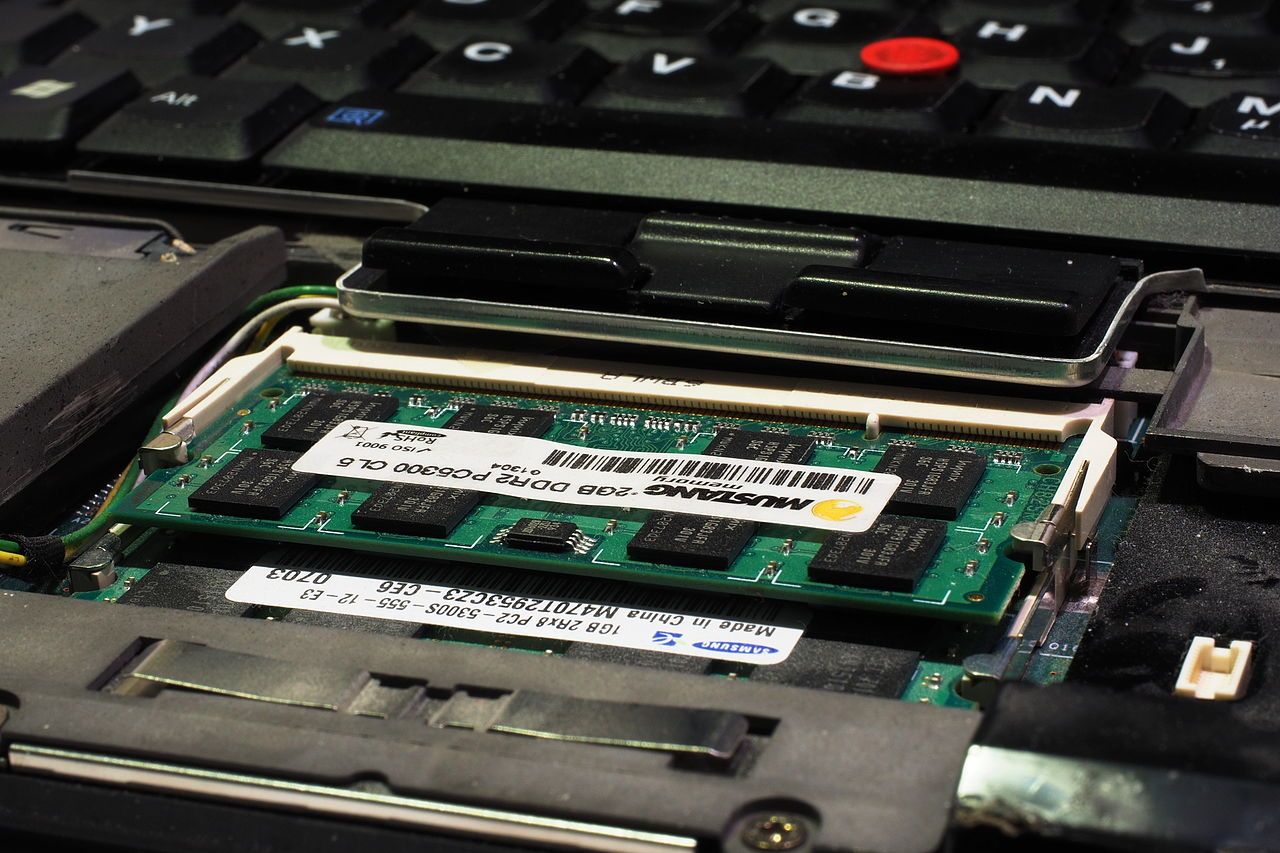
The memory in a laptop is either in a socket you can open and change, or soldered to the board and fixed for the life of the machine. Which one you are buying decides whether the configuration in the listing is a starting point or a permanent ceiling, and it is the single most consequential thing a laptop listing routinely omits.
Why it is increasingly soldered
Thin chassis, and the memory standards used in them. The low-power memory types used in most compact laptops are designed to sit very close to the processor — on some current designs, on the processor package itself — and that physically rules out a socket. This is not purely a manufacturer conspiracy: the arrangement really does deliver more bandwidth at lower power, which is exactly what integrated graphics need. It is also permanent.
Larger machines, workstations and most gaming laptops still use socketed modules, sometimes two sockets, sometimes one socket alongside soldered memory in a hybrid arrangement. That hybrid case is the trap: the listing says the memory is upgradeable, and technically it is, but only half of it, and adding a module to it has side effects on bandwidth.
Four ways to find out, in order of reliability
1. The service manual
Every major manufacturer publishes a service or maintenance manual for its business lines, and for many of its consumer lines, as a free download. It contains an exploded diagram and a removal procedure for each component. If memory is socketed, there is a procedure for removing a memory module; if it is soldered, there is not, and the memory appears only in the board diagram. This is the most reliable answer available before purchase, it takes about two minutes, and it costs nothing.
2. The maximum-memory line
Manufacturer specification pages usually quote a maximum supported memory figure alongside the shipped configuration. When the maximum equals the shipped amount for every variant of a model, the memory is soldered. When the maximum is higher than any shipped configuration, there is a socket.
3. The parts catalogue
The same manufacturers publish parts lists with part numbers for user-replaceable components. A socketed machine has memory module part numbers. A soldered machine has a single motherboard part number for each memory configuration — which is itself the giveaway: if the board part number changes with the memory size, the memory is on the board.
4. A teardown
Repair sites and video teardowns show the board. This is reliable when it exists and for the exact variant shown, which is the caveat: the same model name can ship with different boards in different regions.
What to check if there is a socket
How many sockets, and whether the machine ships with them filled. A machine with two sockets shipped with one module is running at half the memory bandwidth it is capable of, which affects integrated graphics substantially and everything else mildly. Adding a matched second module is the cheapest meaningful upgrade available for that machine, and the listing will not mention that it is needed.
Also check the maximum module size the platform accepts and the memory standard and speed. A platform that accepts faster modules than it shipped with will run them at its own rated speed, not theirs — paying for faster modules than the platform rates is money spent on a number that will not appear.
What to check if it is soldered
Only one thing, and check it hard: whether the capacity you are buying is enough for the life you intend for the machine. There is no later. Treat the memory configuration the way you would treat the screen size — a fixed property of the machine you are choosing, not an option you can revisit. For the same reason, a soldered machine with a modest memory configuration at a good price is a worse deal than the arithmetic suggests, because the usual escape route is closed.
Used machines: verify, do not infer
A used listing that says the memory was upgraded is a claim about the machine in front of the seller. Ask for a photograph of the system information panel showing installed memory, and, if the machine is socketed, of the memory compartment open. Our used-laptop checklist covers what else to ask for in the same message, so you are not sending five.