Why the same laptop graphics chip performs differently in two machines
Graphics power is a published figure, it varies widely between chassis carrying identical chips, and it predicts performance better than the chip name.
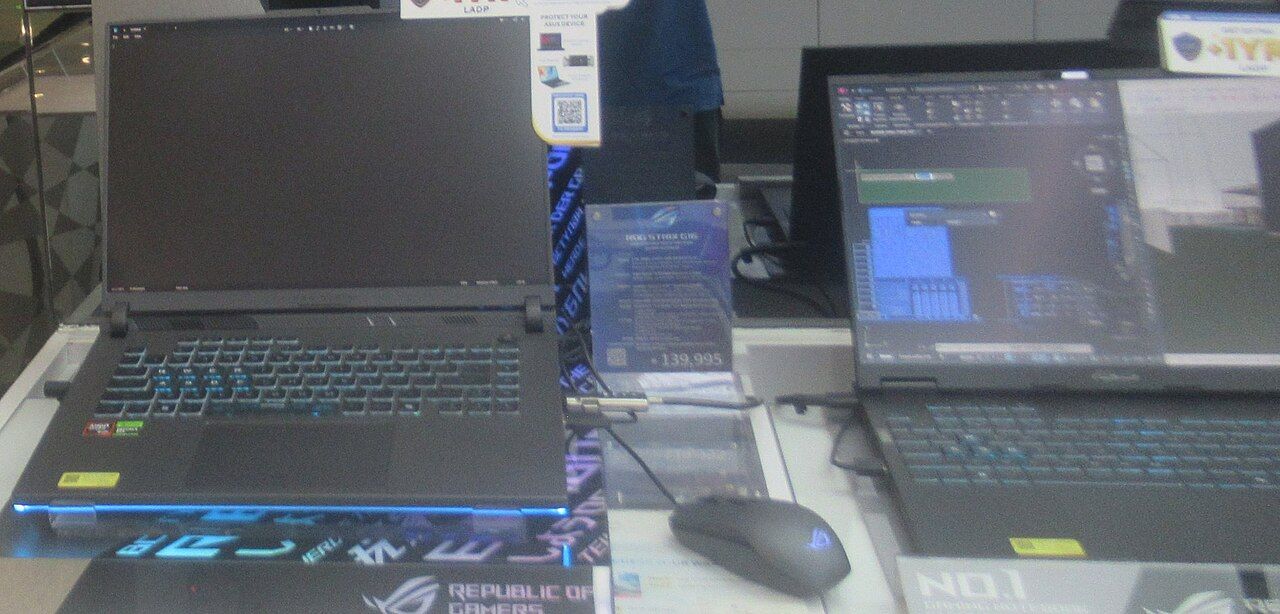
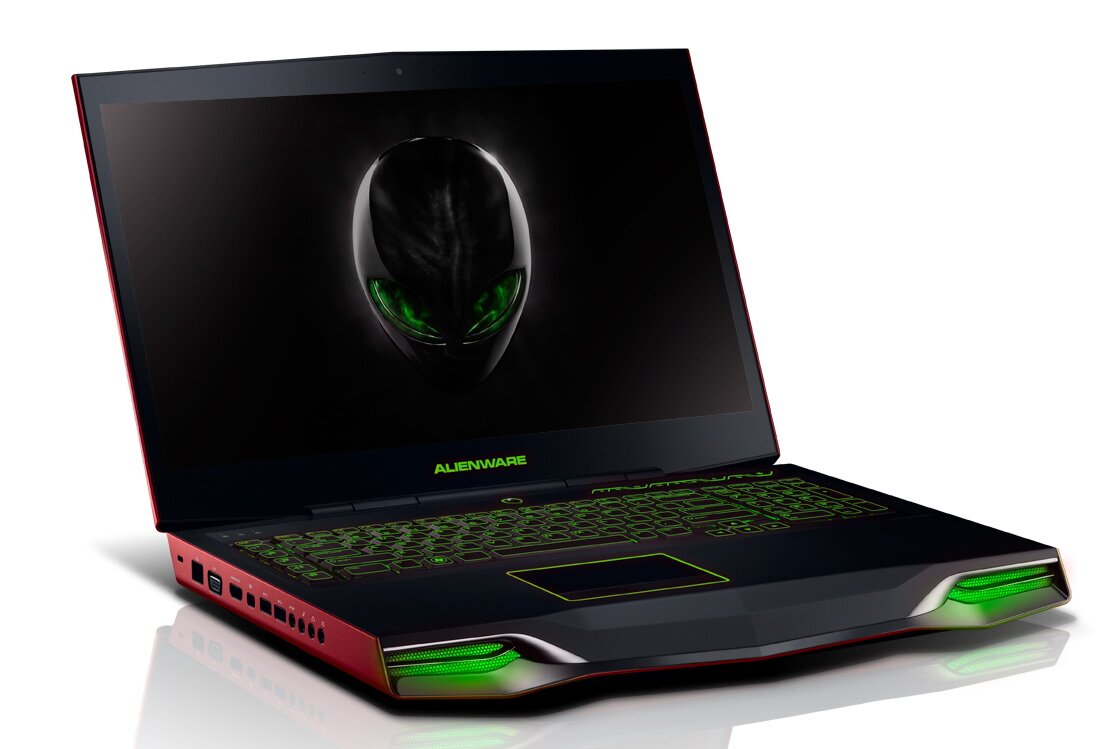
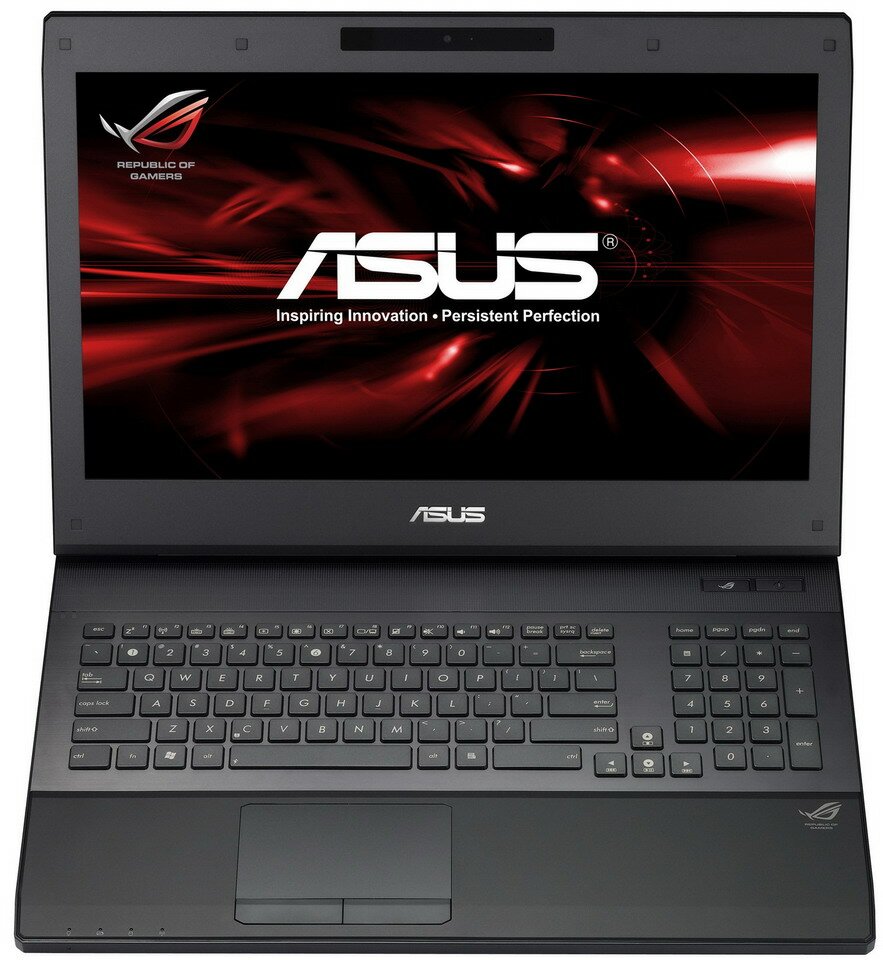
Two laptops, the same graphics chip in both, the same processor tier, and a meaningful performance gap between them in every game. This is not variance and it is not a defect. It is the power budget, it is set by the laptop maker, and since a disclosure requirement was introduced it has to be published.
What the figure is
A mobile graphics chip is specified with a range of allowed power rather than a single value. The laptop manufacturer chooses a configuration within that range based on what the chassis can cool, and that choice is expressed as a total graphics power figure in watts, sometimes split into a base figure and a boost figure added by a dynamic power-sharing feature that shifts headroom between processor and graphics.
The chip at the top of its range and the same chip near the bottom are, for practical purposes, different products. They carry the same name.
Where it is published
On the manufacturer's own product specification page for the laptop, usually in the graphics section or in the footnotes below it. Look for a figure in watts near the graphics chip name, and for a separate mention of dynamic power sharing with its own figure. Retail listings frequently drop this line; the manufacturer's page usually has it, and if a manufacturer will not publish it for a given model, that is itself a signal about where in the range that model sits.
How to use it
- Compare the graphics power figure between candidate machines before you compare the chip names. A lower-tier chip at the top of its range will often beat a higher-tier chip configured low.
- Check whether the quoted figure includes the dynamic boost or excludes it. A machine quoting a base figure plus boost and a machine quoting a combined total are not being compared like for like.
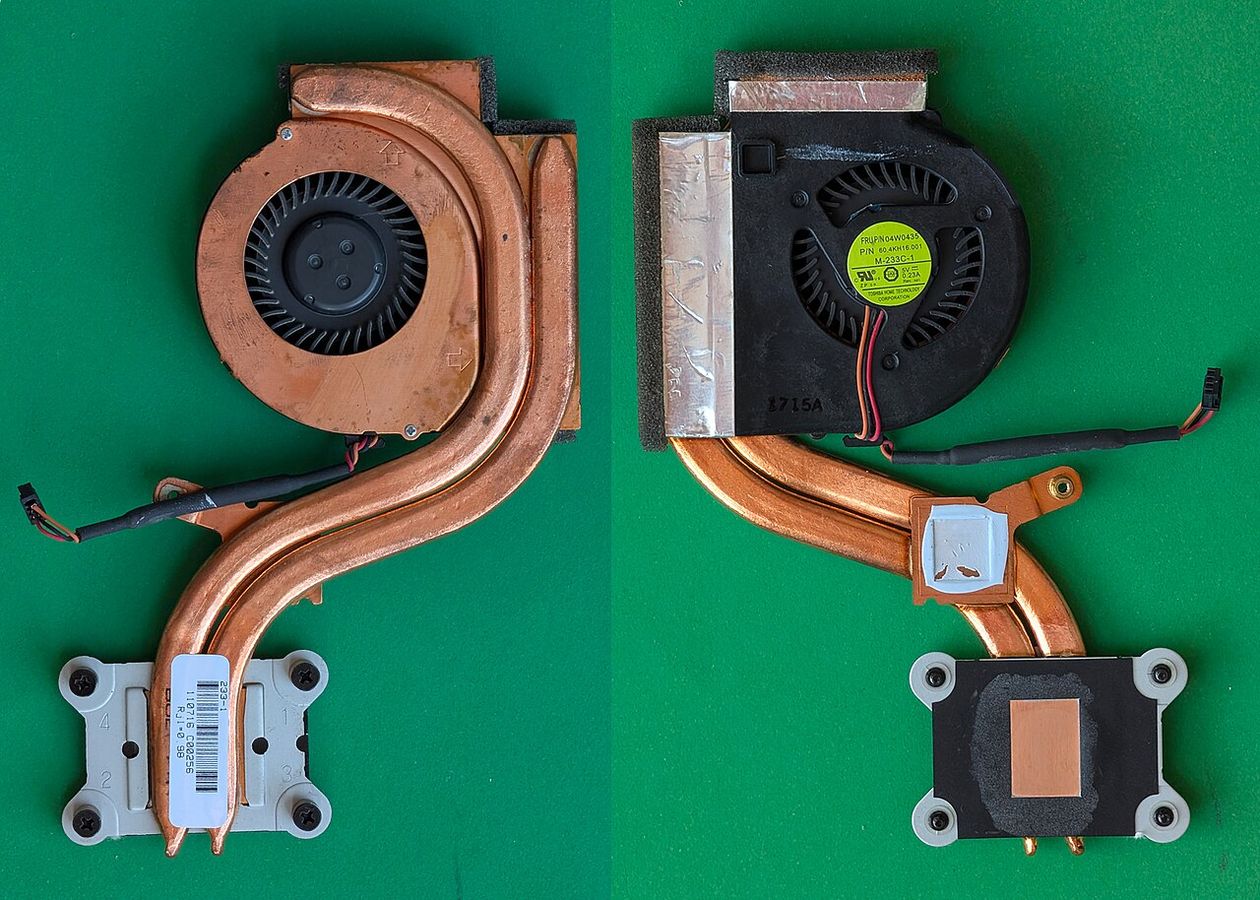
- Read it together with the chassis. A high figure in a thin machine means high fan noise, a hot keyboard deck, and a chip that reaches the figure only until the chassis saturates.
- Check whether the display is wired to the graphics chip directly or routed through the processor's graphics. A direct connection removes a copy step and is worth a noticeable amount; manufacturers describe it as a multiplexer or an advanced optimus-style switch, and it is listed in the specification.
Power supply is part of the specification
A gaming laptop's included power adapter has to cover the processor, the graphics chip at its configured power, and the rest of the machine, with margin. Machines shipped with an adapter that is only just adequate will reduce power under combined load, and that reduction is invisible unless you measure it. The adapter wattage is in the specification. If it is close to the sum of the processor and graphics power figures, the machine will throttle when both are busy.
The same applies, harder, to charging over a port rather than a barrel connector. A machine that can charge over a port will not run its graphics at full power from a port-class adapter.
On battery, all of this changes
Almost every gaming laptop reduces graphics power substantially when unplugged — often to a small fraction of its plugged-in figure. This is deliberate: the battery cannot deliver the current. A machine advertised on its plugged-in performance is being advertised honestly, and it is also telling you that the machine is a desktop that folds.
Verifying after purchase
Hardware monitoring utilities report graphics chip power draw in real time. Load the machine with a sustained workload, watch the reported power for ten minutes, and compare the plateau against the published figure. A plateau meaningfully below the published figure means either the cooling cannot hold it, the adapter cannot supply it, or the machine is in a power profile that caps it — check the manufacturer's performance mode setting before concluding anything else. The procedure is the same one in seeing thermal throttling.